Cell towers free on the map. See why your signal is weak.
Cell Towers shows every cellular antenna and tower around you on a clear, interactive map. See exactly where your carrier's antennas are, understand why your signal is weak, and find the closest tower for better reception.

Free for Android, iPhone, iPad and Windows
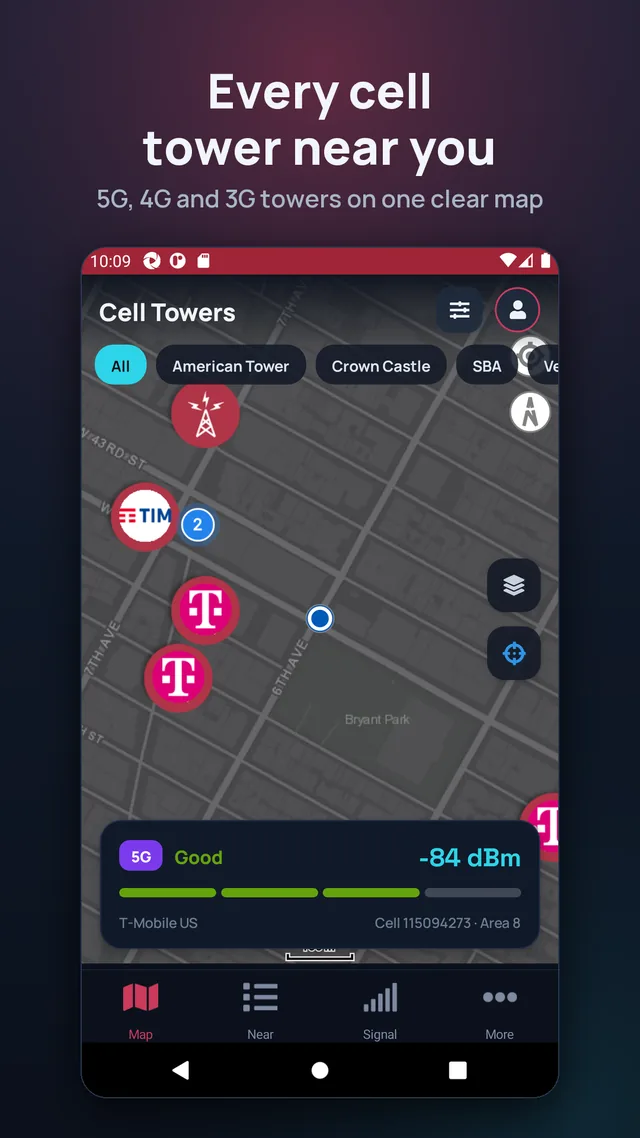
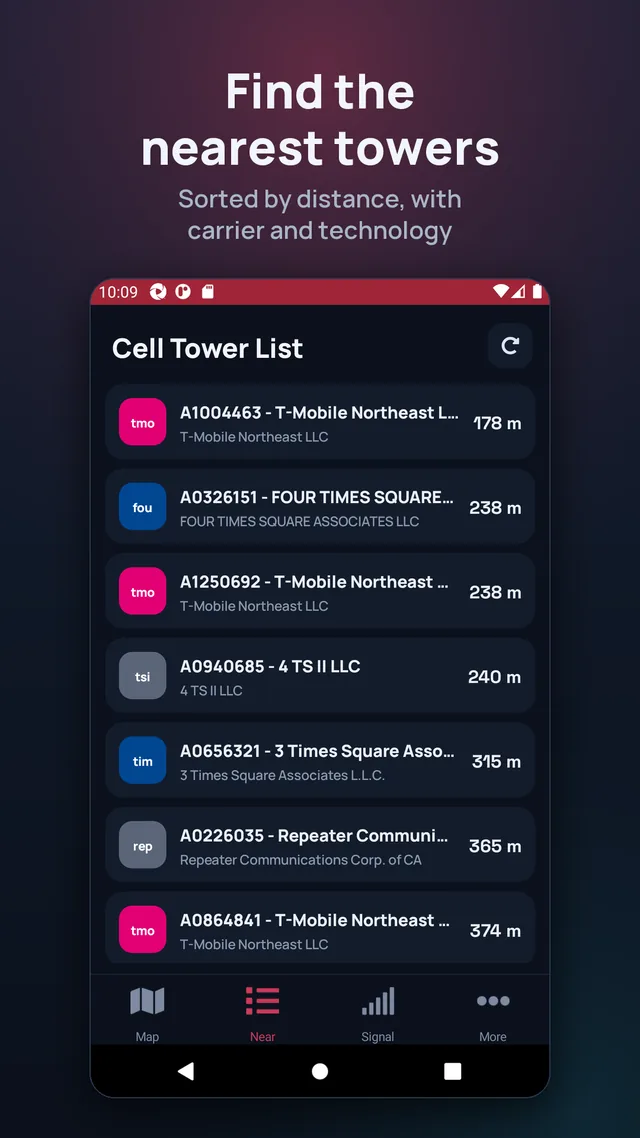
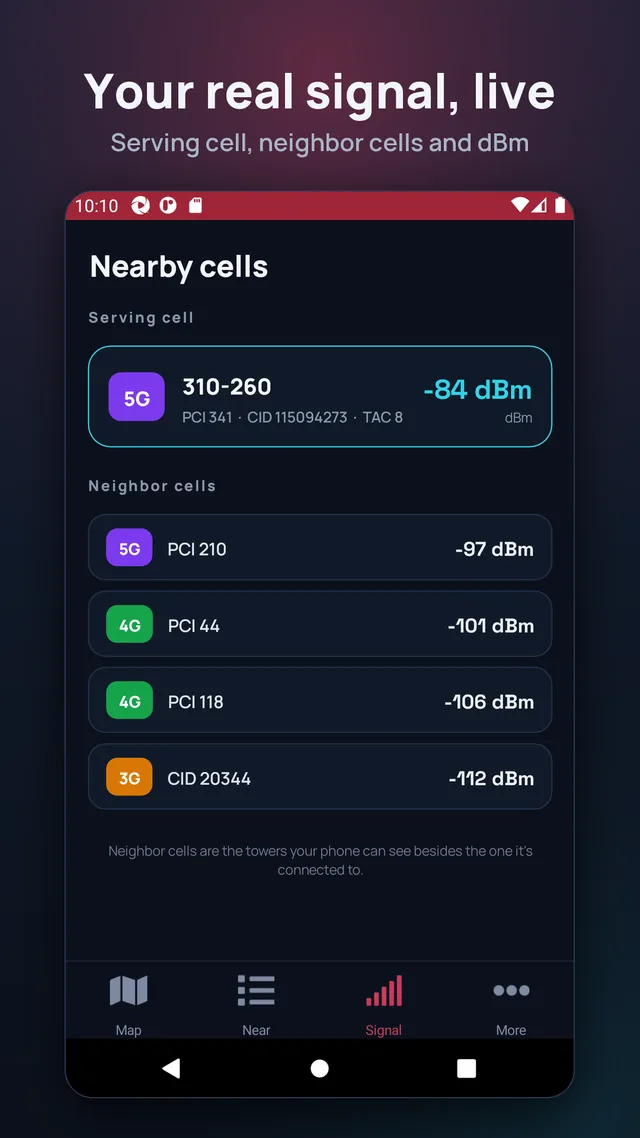
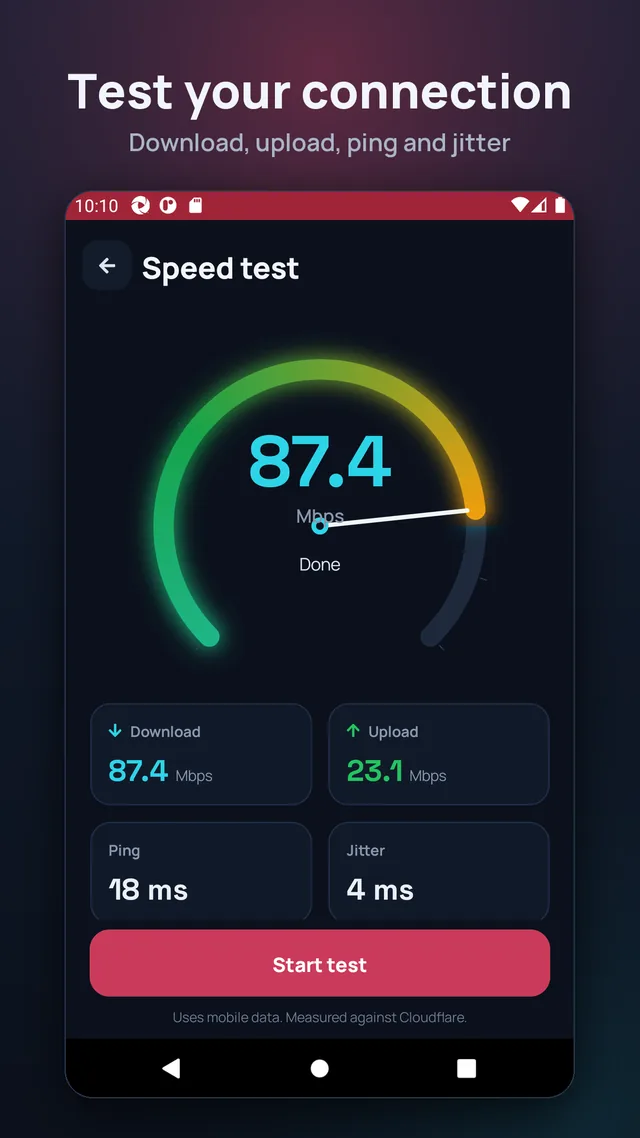
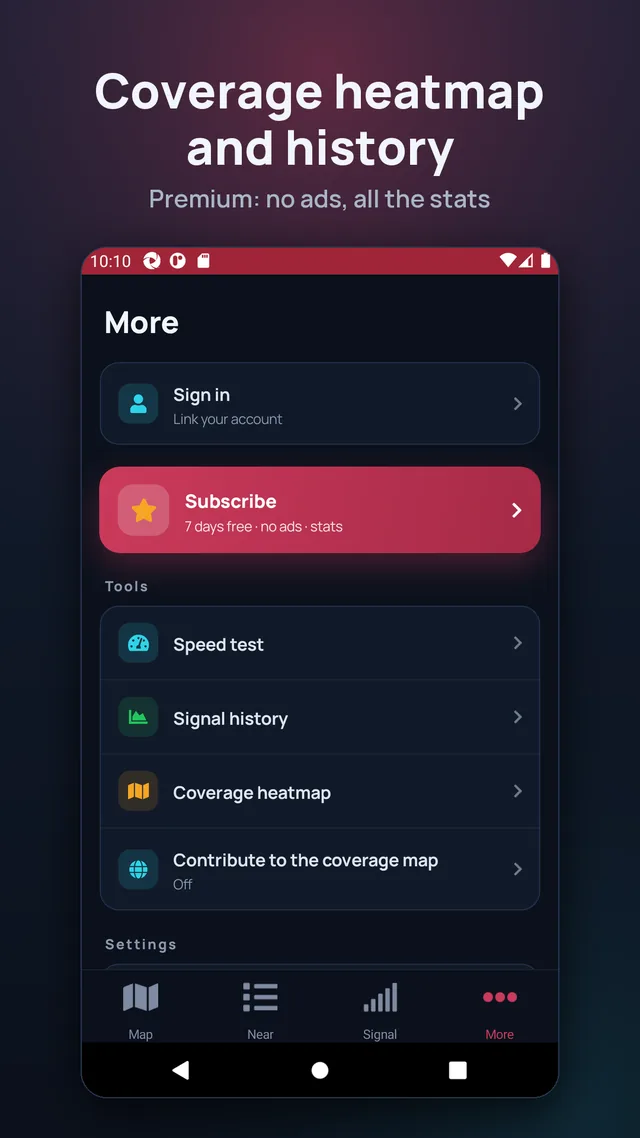
The full map, the carriers, the distances and each antenna's band cost nothing and need no sign-up. The subscription only removes the ads and supports development.
For the United States (FCC), Brazil (Anatel), Spain, Poland (UKE), France (ANFR), Germany (BNetzA), Australia (ACMA), the Netherlands (Antenneregister), Canada (ISED), Chile (Subtel), Belgium (BIPT), Switzerland (BAKOM), Austria (Senderkataster), Ireland (ComReg), Denmark (Mastedatabasen), Colombia (ANE), Croatia (HAKOM) and Belarus (beCloud) we use complete, official per-operator databases. Everywhere else in the world, antennas come from the OpenCellId community project.
Perfect for troubleshooting mobile reception, comparing 4G/5G carrier coverage, choosing where to live or work, or simply being curious about the network around you.
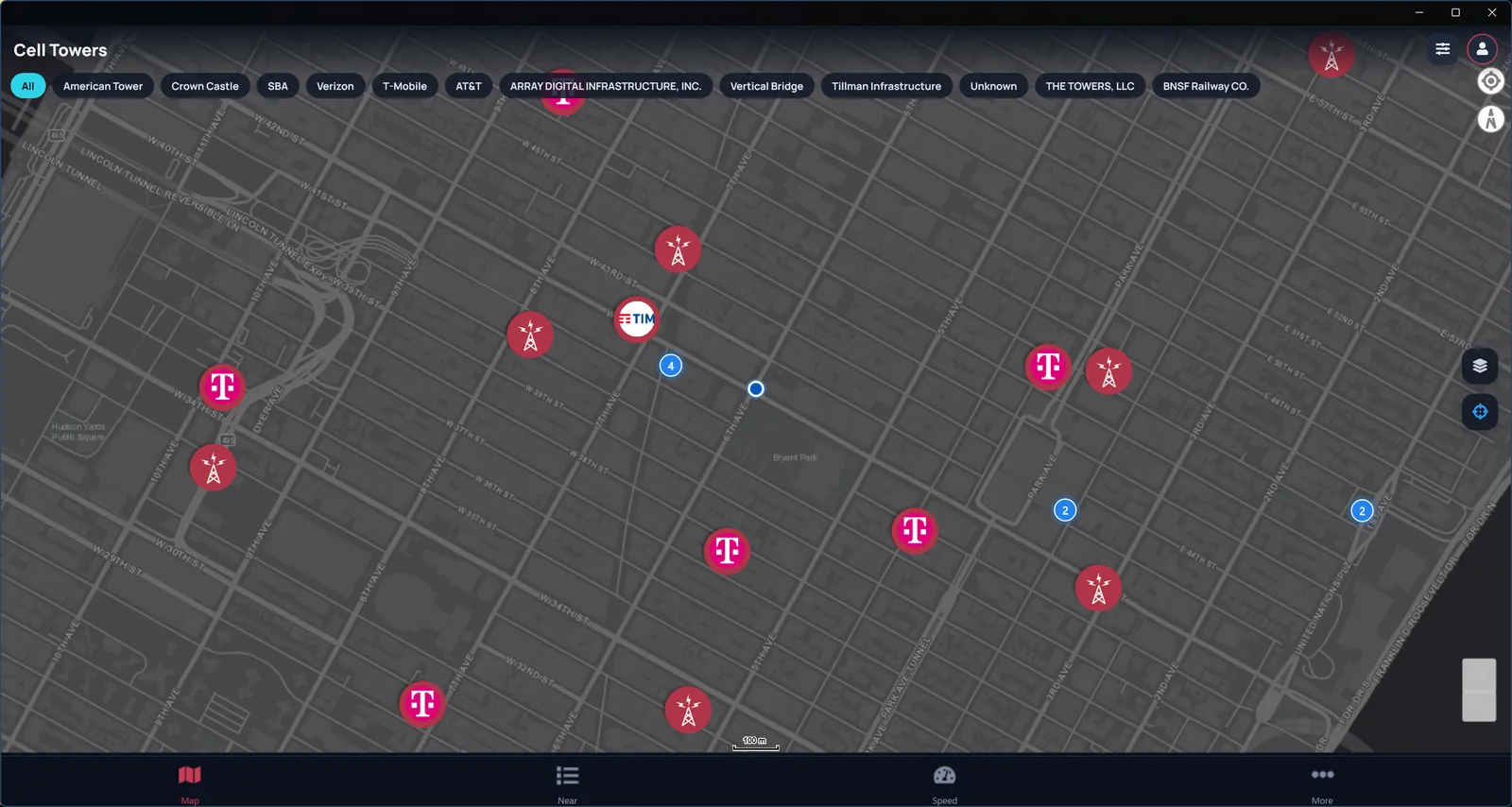
The same map and tools on your PC’s big screen.
From the official antenna registries of 18 countries (Australia, Austria, Belarus, Belgium, Brazil, Canada, Chile, Colombia, Croatia, Denmark, France, Germany, Ireland, Netherlands, Poland, Spain, Switzerland, United States) and from OpenCelliD everywhere else. When a country has more than one source, the app shows how many towers each one has and you choose. You can change it in More → Data source & settings, or tap “Auto-detect data source”.
The data comes from public registries and is updated regularly: if the official registry doesn’t list a tower, neither does the app. Write to us with its location and we’ll look into it.
Enable the location permission for the app in your phone’s settings.
iOS doesn’t let apps read the signal strength or the cell you’re connected to, so on iPhone the app only shows the network technology (4G, 5G). On Android you get everything.
They are managed from your Google Play or App Store account, where you can also cancel them.
What data the app uses and how to delete it is explained in the privacy policy. To delete your account and your contributions, use this page.